Add your own logo in whm/cpanel control panel
C-Panel allows changing its logo to your own logo so that the user can identify your hosting through the control panel
This is done through the following explanation:
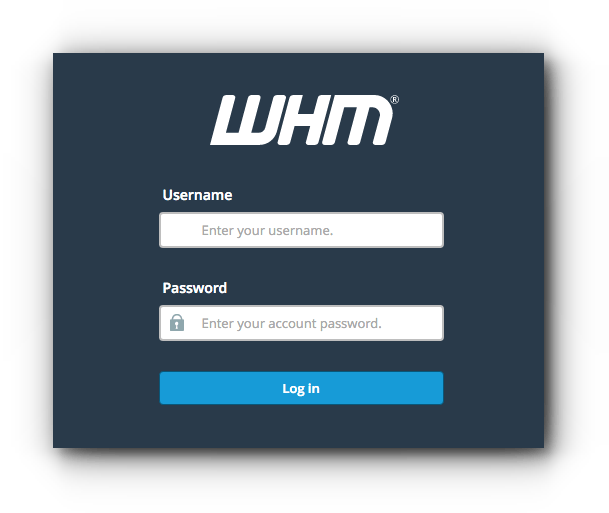
1- We enter the cpanel server control panel via http://ip:2086/ ip
With the change of the IP to the IP number of the server
We put the username and password for the login process
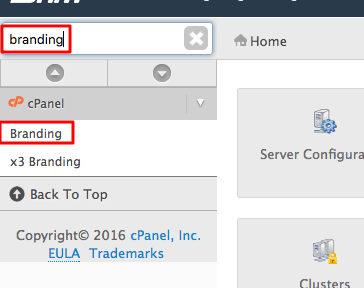
2- We search for the word Branding as in the following image:
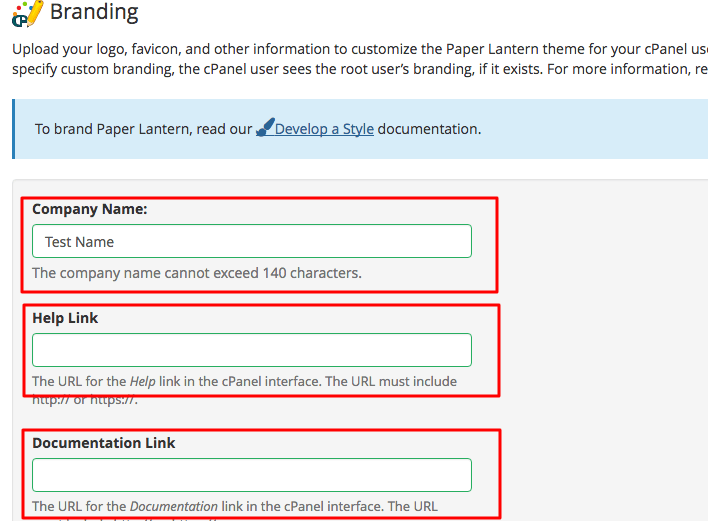
3- We fill in the required fields and upload our logo as shown in the following image:
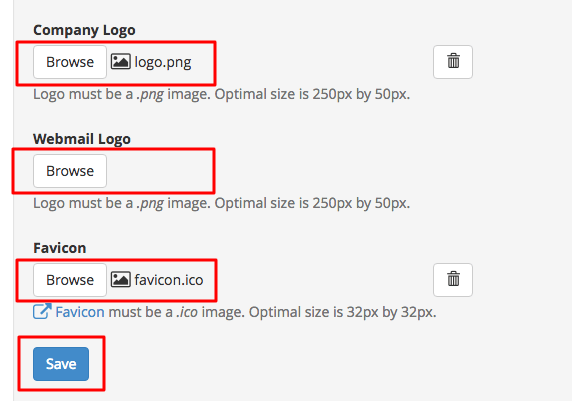
4- We click on save
You have finished adding your own logo in the whm/cpanel control panel
Greetings from the Hyyat Host team
Related service: managed server services from Hyyat Host, with technical support that replies within 24 hours.